T3 OpenTag
Overview
Metrc sells RFID tags to licensees, but does not provide those licensees with a working mobile app or RFID scanning of any kind.
Third-party operators sell devices for RFID scanning, but they are expensive and require a high degree of vendor lock-in.
OpenTag steps in to solve this problem. Cannabis operators should be able to scan their own Metrc tags with their own devices.
Supported Devices
OpenTag supports all major iOS devices (min iOS version 16) and Android devices (min version Android 12).
OpenTag also supports RFID scanning on the Chainway C72 RFID scanner.
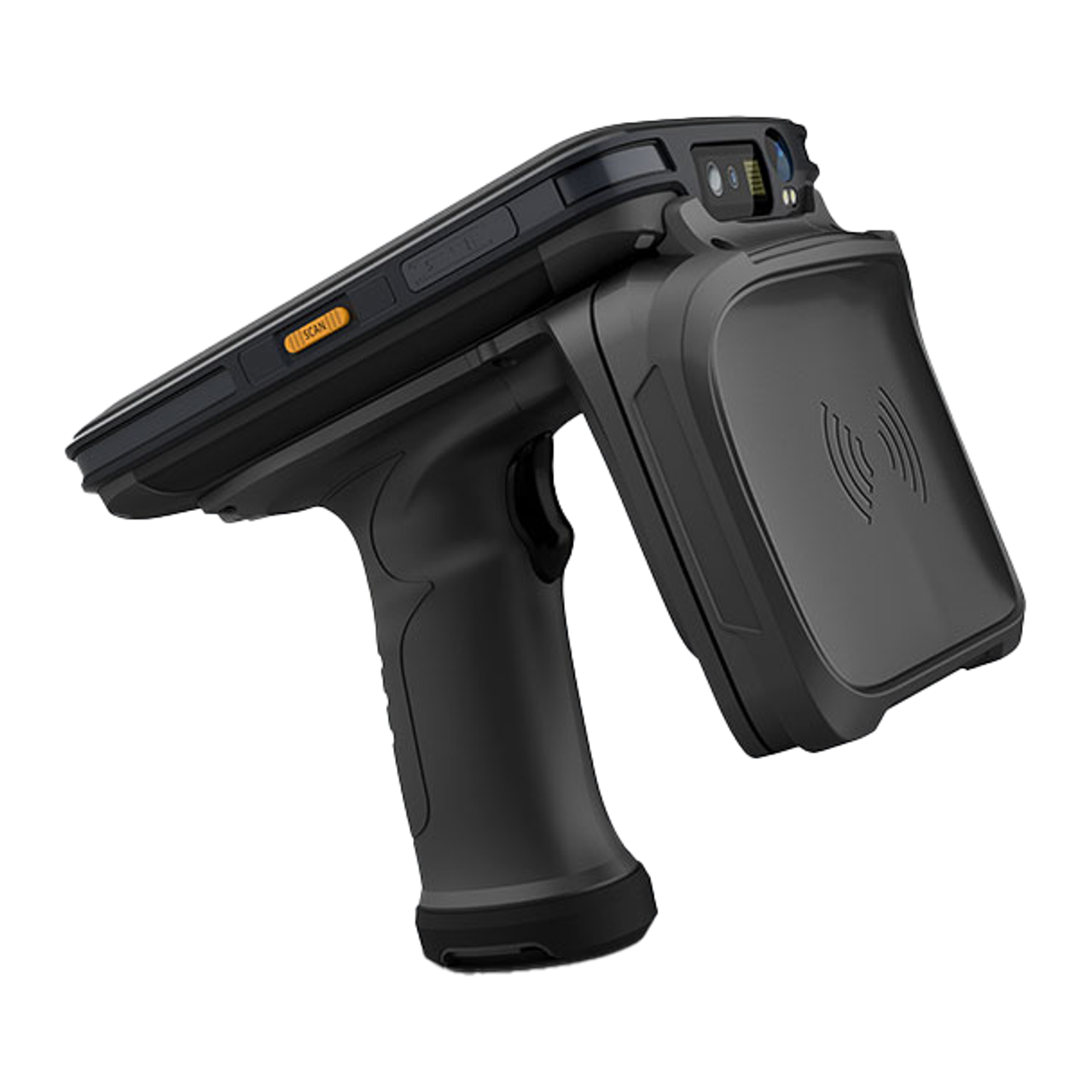
Chainway C72 RFID Scanner
Getting Started
OpenTag signs in with the same credentials you use for Metrc; there's no separate account to create. After install:
- Download OpenTag on your iOS or Android device.
- Sign in with your Metrc username, password, and state.
- Select a license to work against.
Your Metrc data stays on your device. OpenTag uses your Metrc login only to read the tag data you already have access to.
Basic Features
Search
OpenTag lets you quickly look up any Metrc tag from your device. Search by package or plant tag to pull back the relevant Metrc record (item, quantity, location, and status) without logging into metrc.com.
Tag Lists
Tag lists are the core of OpenTag. A tag list is a set of Metrc tags grouped together for a specific purpose; for example, the contents of a room during an inventory check, or the packages that should be on a transfer manifest.
Tag lists are used to:
- Check inventory: compare a physical count against what Metrc says is on hand.
- Verify RFID tags: scan a group of packages or plants and confirm each scanned tag belongs to the expected set.
You can create tag lists directly on the device and manage them over time. As tags are scanned, OpenTag visually indicates which tags in the list have been accounted for and which have not.
For the full reference (including API usage, the data model, and non-OpenTag use cases) see the Tag Lists page.
T3+ Features
Tag Export
T3+ subscribers can export a tag list off the device for use in other workflows; for example, downloading the scanned set as a CSV to feed into a reconciliation spreadsheet.
Manifest Scanning
T3+ subscribers can load an incoming or outgoing transfer manifest directly into OpenTag and scan the packages against it. OpenTag will highlight matched, missing, and unexpected tags in real time, making it easy to verify a shipment without needing a laptop nearby.
RFID Scanning
OpenTag is built to support the Chainway C72 RFID scanner, which connects to your phone and acts as a UHF RFID reader for Metrc tags.
The typical workflow:
- Pair the C72 with your device.
- Open a tag list in OpenTag (or start a new one).
- Trigger the C72 to sweep nearby RFID tags. Scanned tags stream into OpenTag and are checked against the active tag list.
- Review matched, missing, and unexpected tags on-device.
For background on how RFID works and its limitations in a Metrc environment, see the RFID page and Metrc RFID Tags.
Next Steps
- Background on Metrc and Metrc RFID tags
- How RFID works, and its limitations in a Metrc environment
- Subscribe to T3+ to unlock Tag Export and Manifest Scanning
- Start your free 30-day T3+ trial